
Ergonomics Lab
A hands-on diagnostic space for posture, workstation setup, and movement mechanics — built for patients, caregivers, and clinicians to test, measure, and correct.
Visual Guide
8 quick demonstrations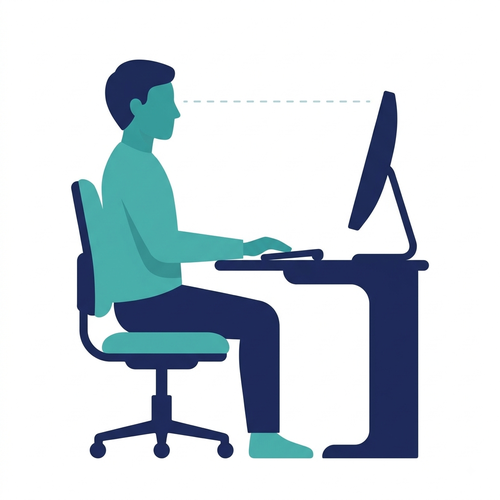
Screen at Eye Level
Top of monitor level with, or just below, your eyes.
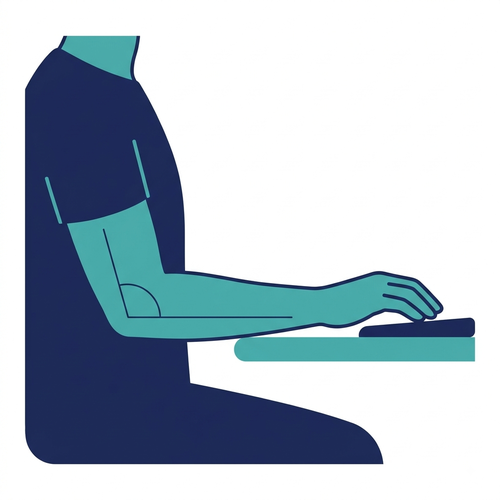
Elbow Near 90°
Elbows close to body while typing or using mouse.
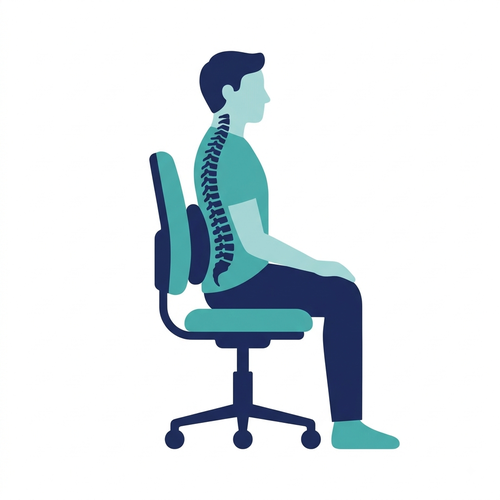
Lower Back Supported
Lumbar curve backed by chair, seated fully back.
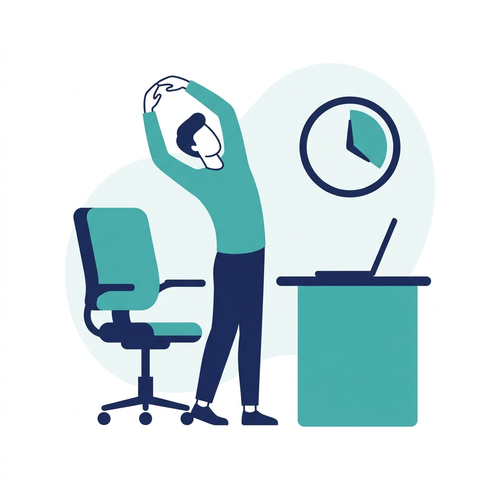
Move Every 30–40 Min
Stand, stretch, or change position regularly.
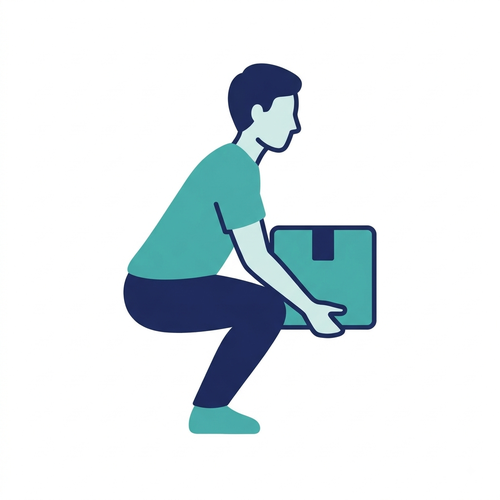
Lift With Knees
Bend hips and knees, keep load close to body.
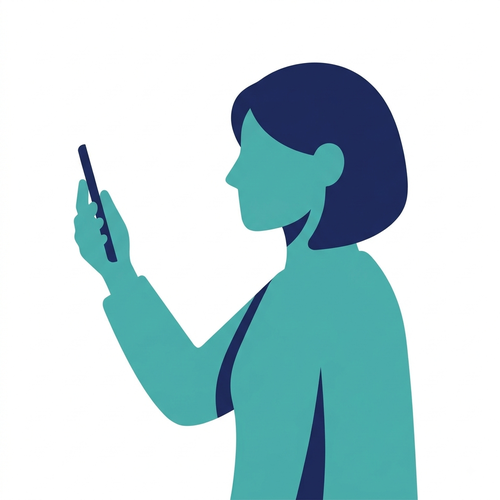
Phone at Eye Level
Raise phone up — avoid dropping chin down.
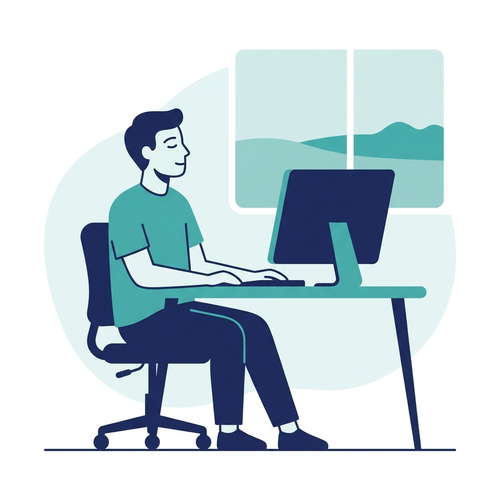
20-20-20 Eye Rule
Every 20 min, look 20 ft away for 20 sec.
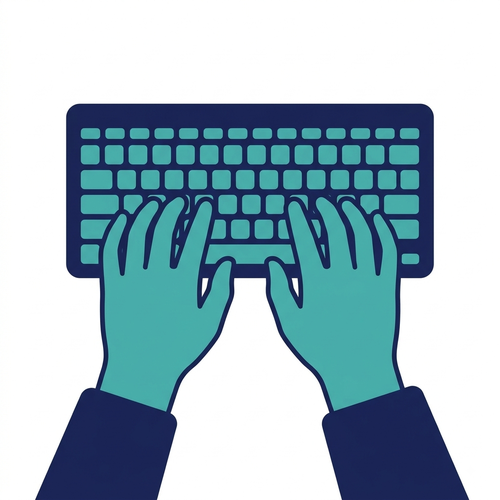
Wrists Straight
Keep wrists neutral while typing/mousing.
Sitting & Desk Posture
6 protocolsSeat height & hip angle
›Set the chair so your feet rest flat on the floor (or a footrest) with knees roughly level with, or slightly below, your hips. This keeps pressure off the thighs and supports the low back curve.
Hip-knee angle 90–110°Lower back support
›Use the chair's lumbar support, or a small rolled cushion, positioned at the natural inward curve of the low back. Sit fully back into the chair.
Maintain natural lordosisElbow & wrist line
›Keep elbows close to the body and bent near a right angle, with wrists straight while typing. Raise the chair and add a footrest if the desk is too high.
Elbow angle ~90–100°Avoid static sitting
›No posture is healthy if held too long. Change position, stretch, or stand briefly every 30–40 minutes — movement matters more than a fixed posture.
Micro-break every 30–40 minArmrest use
›Armrests should support the forearm without shrugging the shoulders up or pushing them out too wide. If they force poor shoulder posture, it's better to lower or remove them.
Seat depth
›Leave about two to three finger-widths of space between the front edge of the seat and the back of your knees to avoid pressure behind the thighs.
Standing & Movement
5 protocolsStanding desk height
›Set the surface so elbows sit at roughly 90° with shoulders relaxed. The top of the screen should remain at eye level.
Elbow angle ~90°Weight distribution
›Distribute weight evenly on both feet with soft knees. Shifting weight or using a footrail to rest one foot reduces back fatigue.
Anti-fatigue matting
›On hard surfaces, a cushioned mat reduces continuous joint impact through feet, knees, and the lumbar spine.
Alternate sit-stand
›Neither constant sitting nor standing is ideal. Alternate position roughly every 30–60 minutes to maintain active circulation.
Alternate every 30–60 minFootwear
›Supportive, low-heeled footwear reduces strain on the feet, knees, and low back during standing tasks.
Lifting & Carrying
5 protocolsKeep the load close
›Hold objects as close to the trunk as possible. Moving a load away from the body drastically multiplies leverage force on spine discs.
Bend at hips and knees
›Squat down using hip and knee extension rather than flexing the lumbar spine forward. Maintain spinal alignment throughout the movement.
Avoid twisting
›Pivot with the feet to turn rather than twisting through the torso under load — one of the primary mechanisms for spinal strain.
Know your limit
›Get assistance or use mechanical aids for heavy or awkward loads. Ergonomics relies on smart assistance, not sheer strength.
Pushing over pulling
›When moving a cart or trolley, pushing generally loads the spine less than pulling. Keep the object close and use body weight rather than arm strength alone.
Screens & Devices
5 protocolsPhone & "text neck"
›Raise the device up toward eye level rather than tilting the head down. Extended neck flexion severely multiplies structural weight load on cervical vertebrae.
Laptop setup
›Use an external keyboard/mouse and elevate the laptop on a riser stand so the display sits at natural eye height during prolonged work.
Screen distance & glare
›Position displays arm-length away, perpendicular to bright light sources or windows to eliminate reflective glare and prevent eye fatigue.
20-20-20 rule
›Every 20 minutes, shift focus to an object 20 feet away for at least 20 seconds to allow ciliary eye muscles to relax fully.
20 min / 20 ft / 20 secMouse & wrist neutrality
›Keep the mouse close to the keyboard at the same height, wrist straight rather than cocked upward or sideways. A wrist rest should support, not press into, the base of the palm.
Environment
4 protocolsLighting
›Avoid strong brightness differences between the screen and surroundings. Position lighting to avoid direct glare on the screen or in the line of sight.
Noise
›Persistent background noise increases fatigue and reduces concentration even below levels that risk hearing damage. Where possible, reduce noise at the source before relying on personal hearing protection.
Thermal comfort
›A comfortable working temperature and adequate ventilation reduce fatigue and support concentration over long tasks — comfort ranges vary by activity level and clothing.
Vibration exposure
›Prolonged exposure to hand-arm or whole-body vibration (power tools, vehicles) is linked to circulatory and musculoskeletal complaints. Anti-vibration gloves, padded seating, and scheduled breaks reduce cumulative exposure.
Quick Self-Check
Tick what's currently true about your workstation setup. Screening assessment tool.
Book a Workplace Ergonomics Session
Corporate workshops, virtual webinars, and personalized team workstation evaluations guided by Rehab Experts.
- Rehab Doctor guided clinical session
- Live ergonomics demonstration by certified Therapists
- Q&A sessions & team follow-up materials